Your health picture, now in your pocket.
Your labs, wearables, and records in one private app, explained clearly, with you everywhere you go.
Ojava is on the App Store and Google Play, and you can install it straight to your phone from here as well, no app store needed.
Built for the moment you need it
Open Ojava when health data becomes a decision
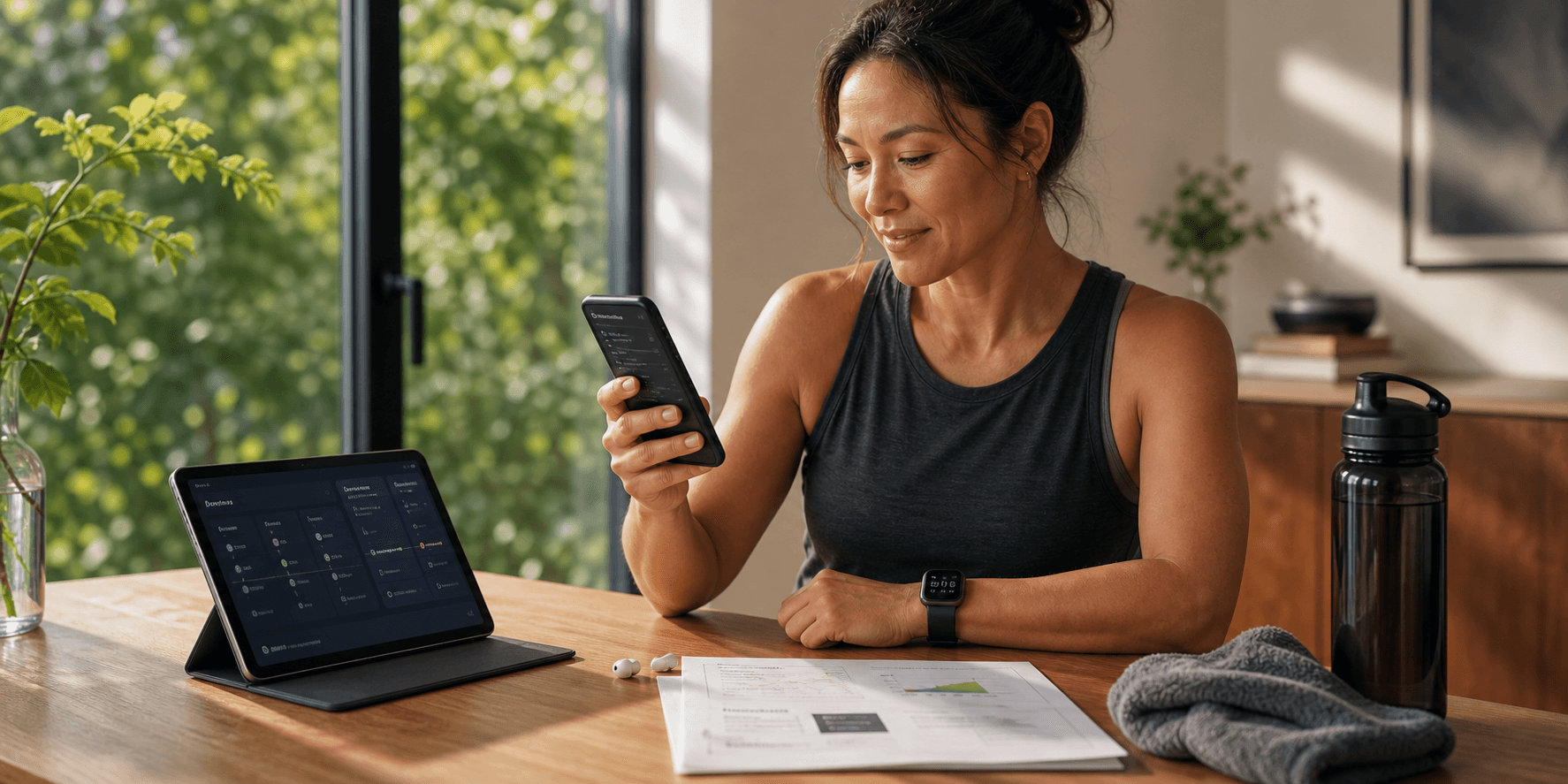
The mobile app is for the check-in after training, the new lab result, the question before an appointment, and the quick glance at what changed. Ojava keeps the context together so you are not piecing it together from five places.
- Fast enough for a morning glance.
- Deep enough for lab and record context.
- Clear enough to bring into a real visit.
Carry the whole picture
Four quick ways the app earns its spot on your phone
The mobile experience is concise by design: one useful moment at a time, backed by the same longitudinal record you use on desktop.
- Morning check-in
See recovery, sleep, and readiness before the day starts.
Open Ojava after a workout, a rough night, or a new wearable trend and see the context in one calm view.
- New results
Bring labs and records into the same picture as your habits.
A result makes more sense beside medications, symptoms, training load, sleep, and the notes you already keep.
- Visit prep
Turn the pattern into a clear question for your clinician.
Use Ojava to organize the why behind a trend, then bring a concise summary into your next appointment.
- Private account
Keep the app close without caching health records on device.
The installed app caches static assets only. Your health records stay behind your account and consent controls.
Same account, same record
Built for the screens you actually use
iPhone and iPad
A clean, full-screen app on iOS. Add it to your Home Screen today, or get it from the App Store soon.
Android
The same Ojava on Android phones and tablets. Install it now from Chrome, or from Google Play soon.
Desktop
Prefer a bigger screen? Install Ojava on your Mac, Windows, or laptop straight from your browser.
Available now
Install Ojava from your browser today
You can add Ojava to your phone or desktop as an app straight from your browser, with the same account, same data, and same mobile-first experience. Store apps will follow later.
- Browser installAvailable today
Add Ojava to your Home Screen from Safari, Chrome, or Edge.
- iOS App StoreComing soon
The iPhone and iPad listing will use the same Ojava account and data.
- Google PlayComing soon
The Android listing will match the same mobile web app experience.
iPhone and iPad (Safari)
Open ojava.health in Safari, tap the Share button, then choose "Add to Home Screen".
Android (Chrome)
Open ojava.health in Chrome, tap the menu, then choose "Install app" or "Add to Home screen".
Desktop (Chrome or Edge)
Open ojava.health and use the install icon in the address bar to add Ojava as a desktop app.
The installed app works offline with a branded offline page and caches only static assets, never your records.
Ojava is an AI for understanding your health and preparing for visits, not a licensed medical provider. It does not diagnose, prescribe, or replace your doctor.
Keep Ojava close,with the line kept clear
Install Ojava on your phone or open it in the browser to understand labs, wearables, records, and visit questions in one private place.
Install now
Install straight from your browser today. It is the full Ojava app on your phone, with no store required.
Same account everywhere
Your phone, tablet, and desktop open the same private Ojava account, so the record does not split across devices.
Clear wellness boundary
Ojava explains patterns and helps you prepare. It does not diagnose, prescribe, dose, order labs, or replace licensed care.
For symptoms, medication questions, urgent concerns, or care decisions, use Ojava to organize the context and bring it to a licensed clinician.